AI-Assisted Onboarding and Diff UX Improvements
AI-Assisted Onboarding
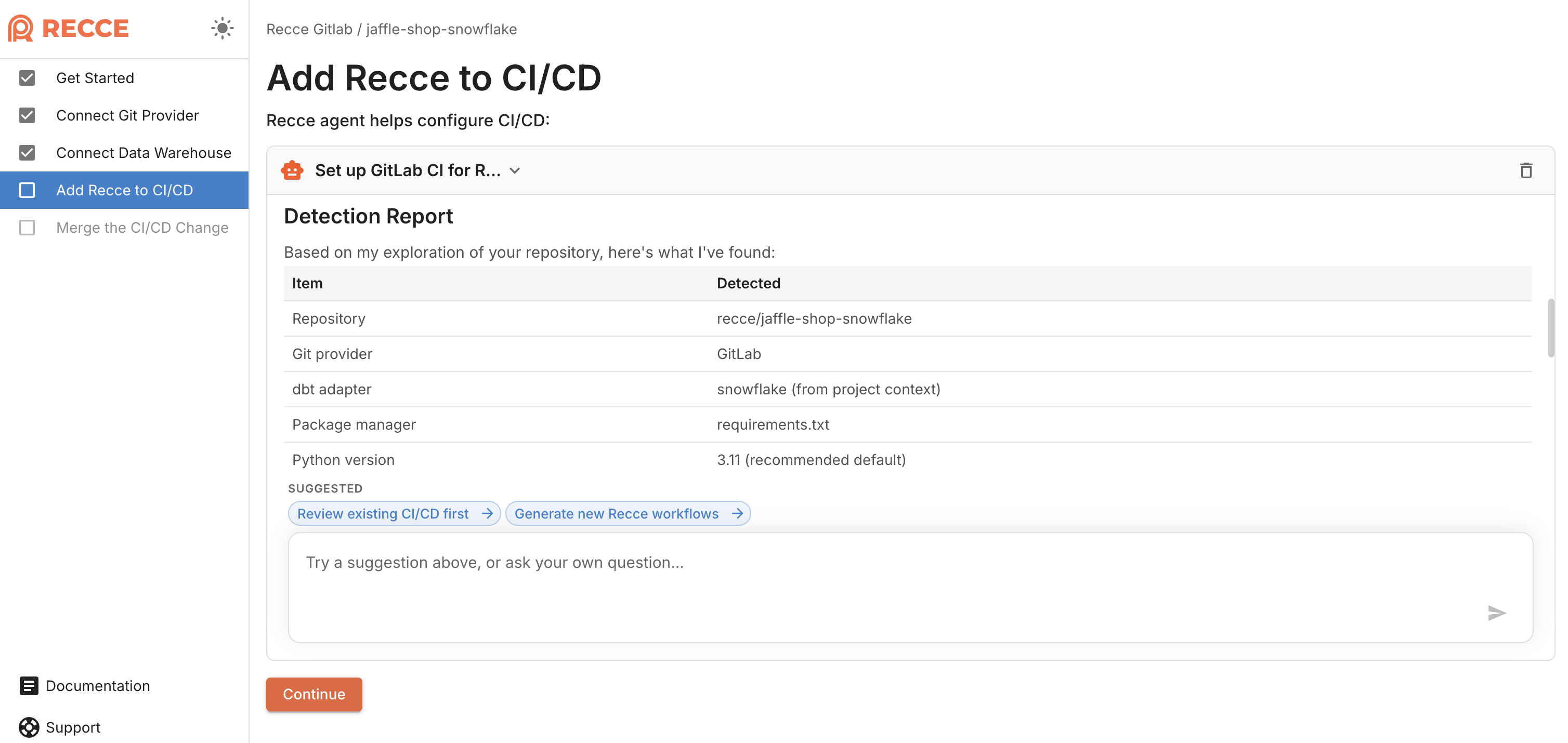
Setting up Recce involves connecting git, configuring your data warehouse, and adding Recce to CI/CD. The first two steps are straightforward with UI guidance. CI/CD setup is where it gets complex—every team has different pipelines, platforms, and configurations.
Recce onboarding now includes an AI assistant that handles the hardest part. When you reach CI/CD setup, the agent generates workflow configurations for your specific setup—GitHub Actions, GitLab CI, or other platforms. Describe your pipeline and the agent produces the YAML you need.
See Changes and Impact at a Glance
Finding what changed in large diffs required scanning through every line. Click the model to view all columns without highlighting changes. Value distributions lacked context for quick comparison.
Recce now makes changes and their impact immediately visible:
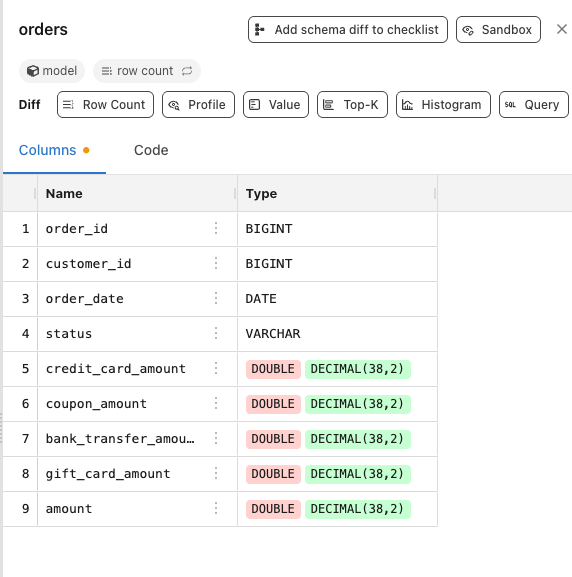
- Schema change indicators — Visual badges mark columns as added, removed, or modified
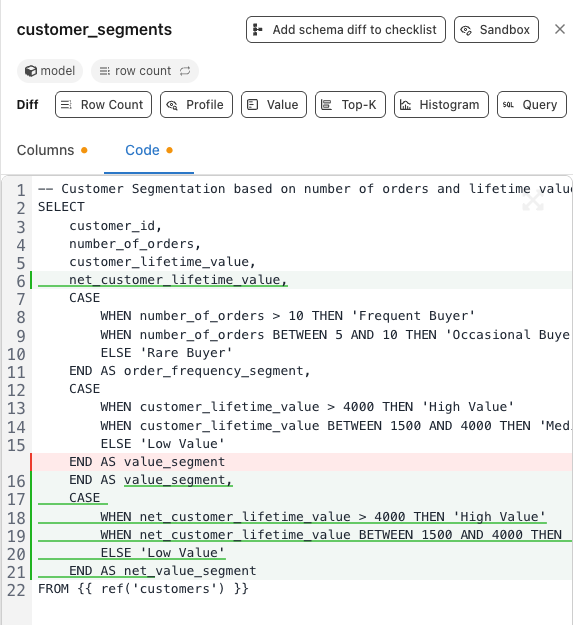
- Collapsible unchanged regions — Unchanged code collapses automatically so you focus on what matters
- TopK inline labels — Distribution bars display numeric values inline for quick comparison

Customize Lineage Graph Node Shapes
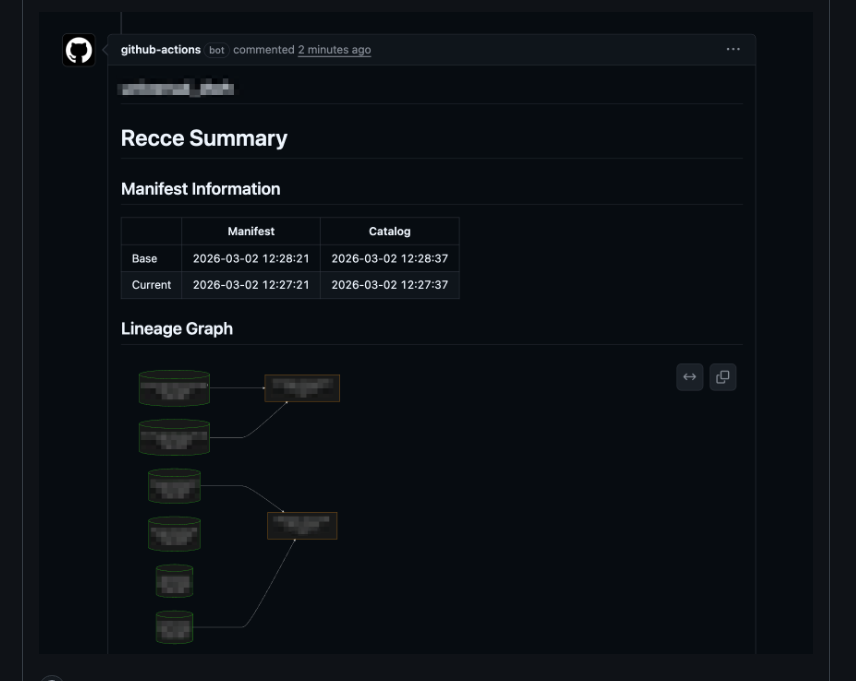
Lineage graphs used the same node shape for all resource types. Distinguishing between models, sources, and seeds required reading labels.
You can now configure custom node shapes in Mermaid lineage exports. Different shapes for different resource types make the graph easier to scan. Thanks to Daisuke Taniwaki for this community contribution (PR#1137).
See Instance Status on Your Project Page
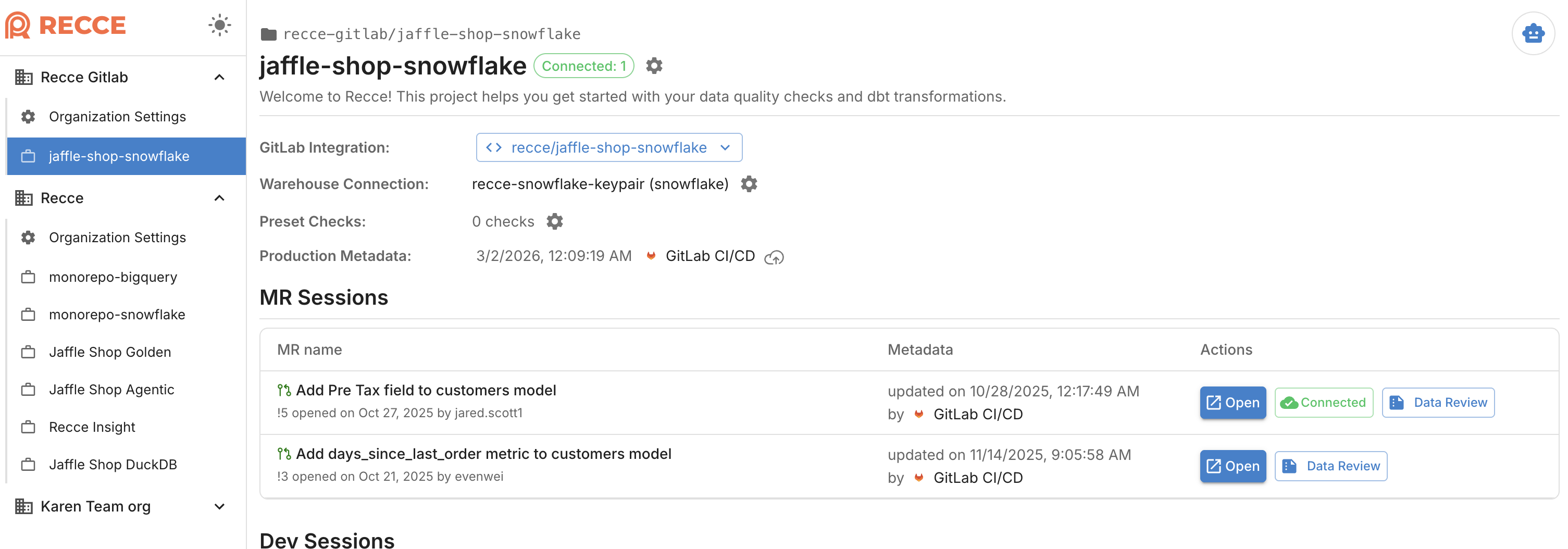
Opening a project meant waiting without knowing if the instance was already running or needed a cold start. There was no way to anticipate the wait time before clicking in.
The project page now shows instance status indicators. Know whether an instance is already running or requires a cold start before you click in.