Sign in Start with your repo

What's New in Recce

Product updates, new features, and improvements.

Lineage Diff Captures Your Exact View, Incremental Model Awareness

This release makes Lineage Diff capture exactly what you see, plus early access to AI-assisted setup.

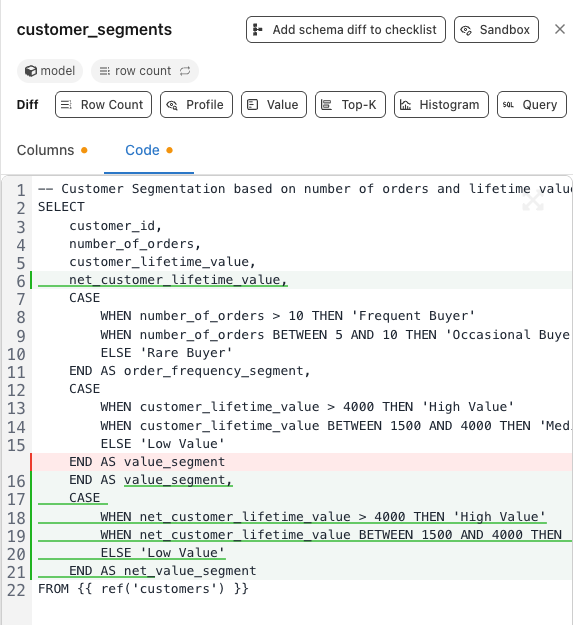
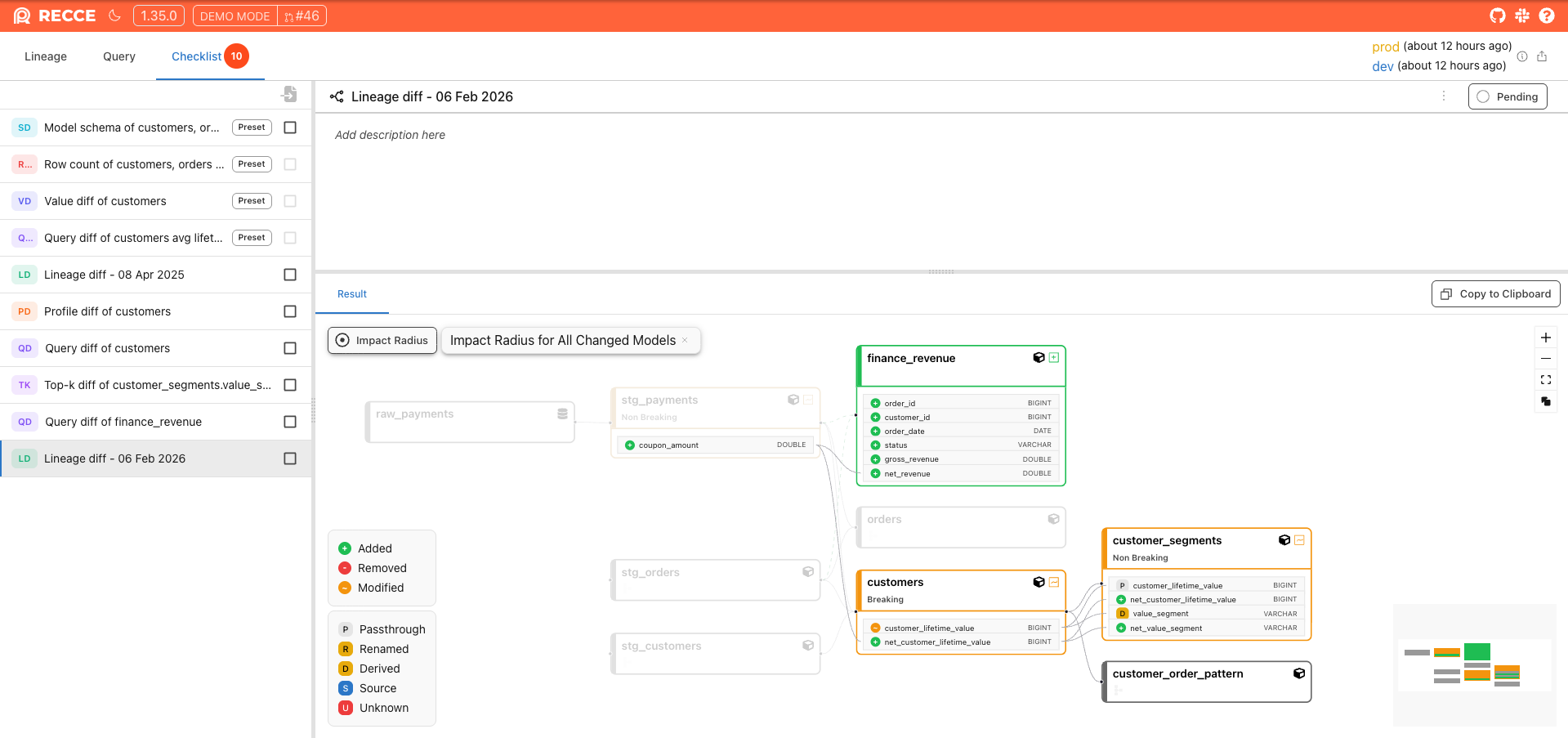
Lineage Diff: Add Exactly What You See

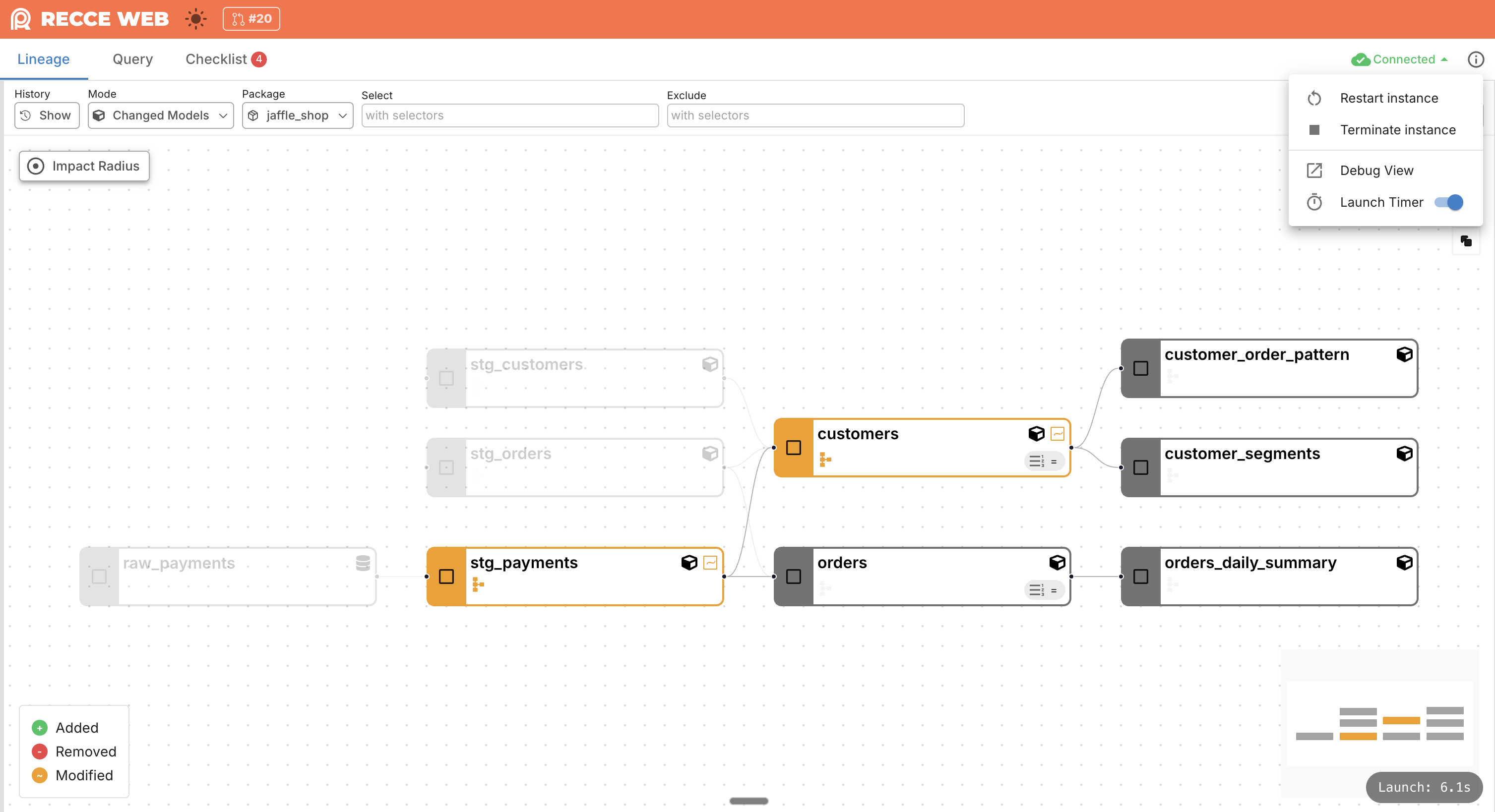
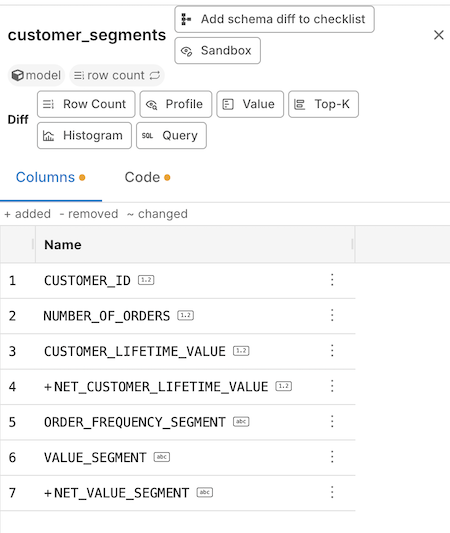
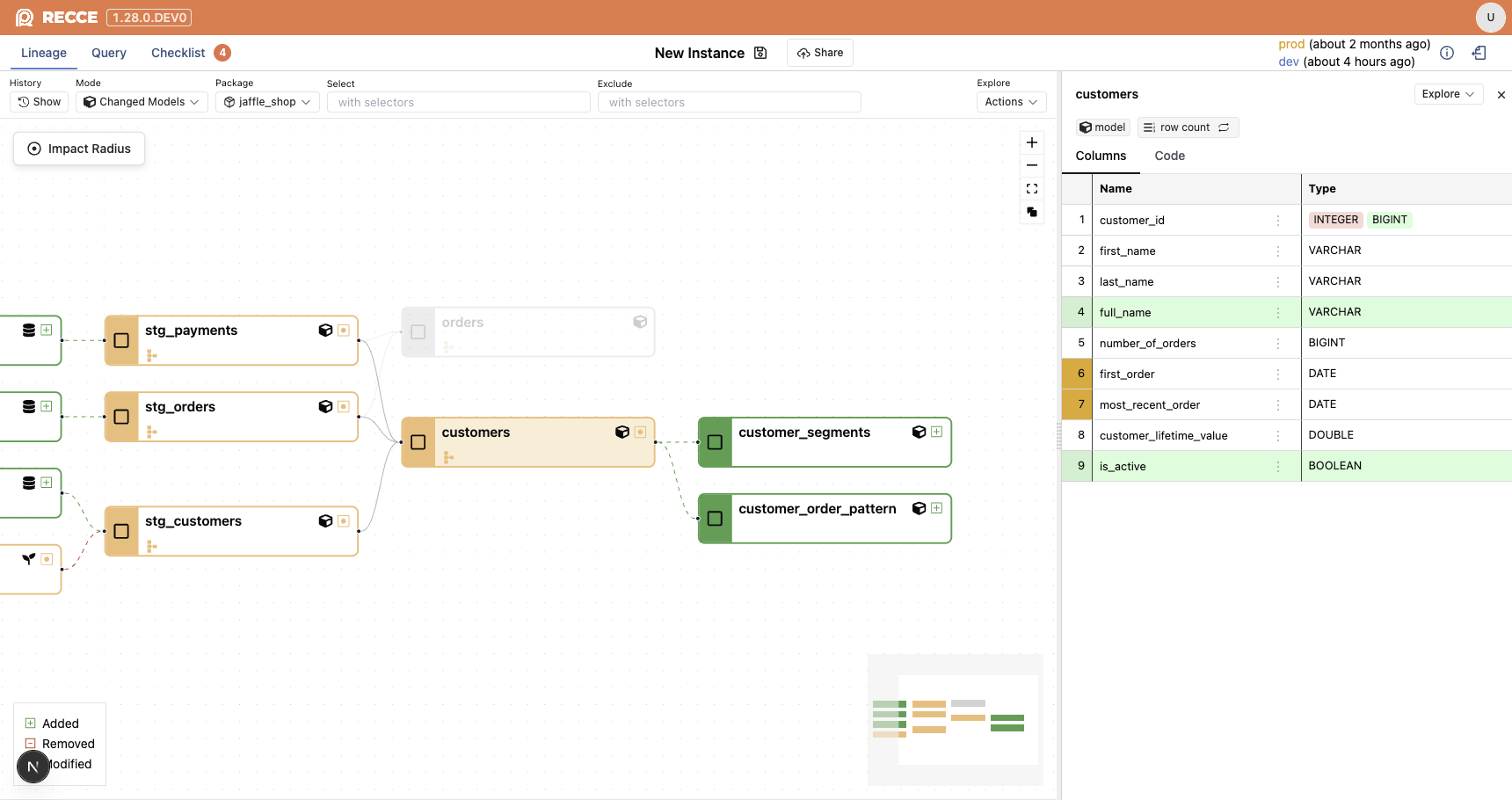
Adding Lineage Diff checks is simpler. When viewing your lineage filtered by selectors, with Column-Level Lineage or Impact Radius applied, you can add that exact view to your checklist with one click.

Now what you see is what you add. Your current lineage view settings carry through to the check.

Add to check with Impact Radius is applied

Incremental Model Awareness in Impact Analysis

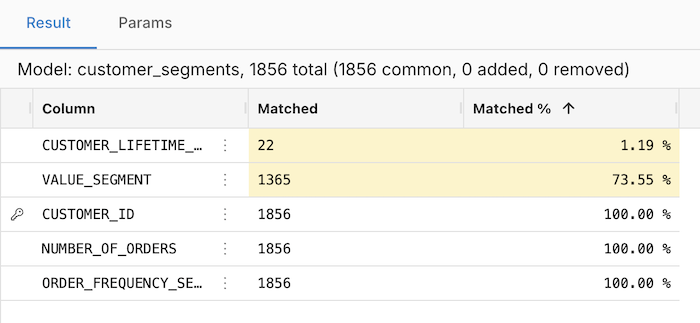
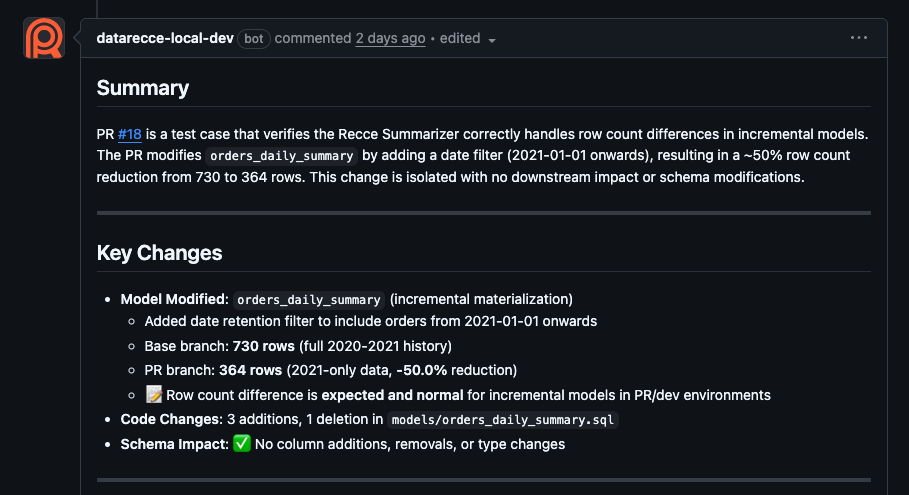
Recce Cloud now recognizes incremental models and reflects this in impact analysis. When you modify a model with incremental logic, the data review shows accurate scope.

Example: A PR that adds a date filter to orders_daily_summary correctly shows the row count change from 730 to 364 rows, with clear indication that the change is isolated with no downstream impact

Isolate problem when base and current data are discrepancies

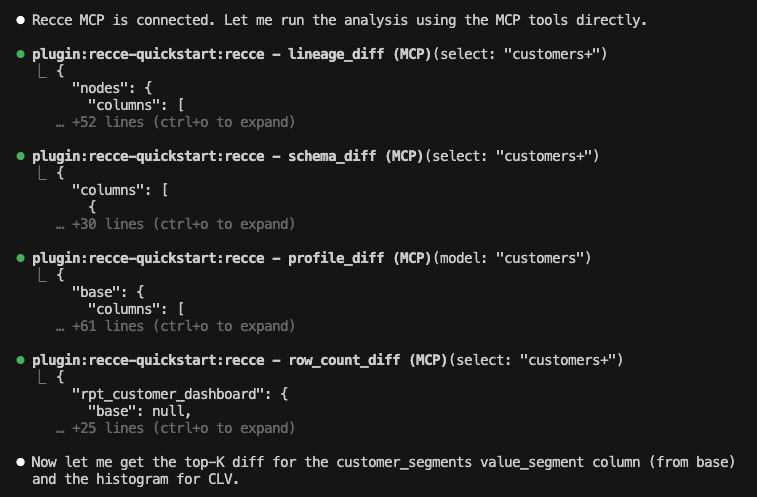
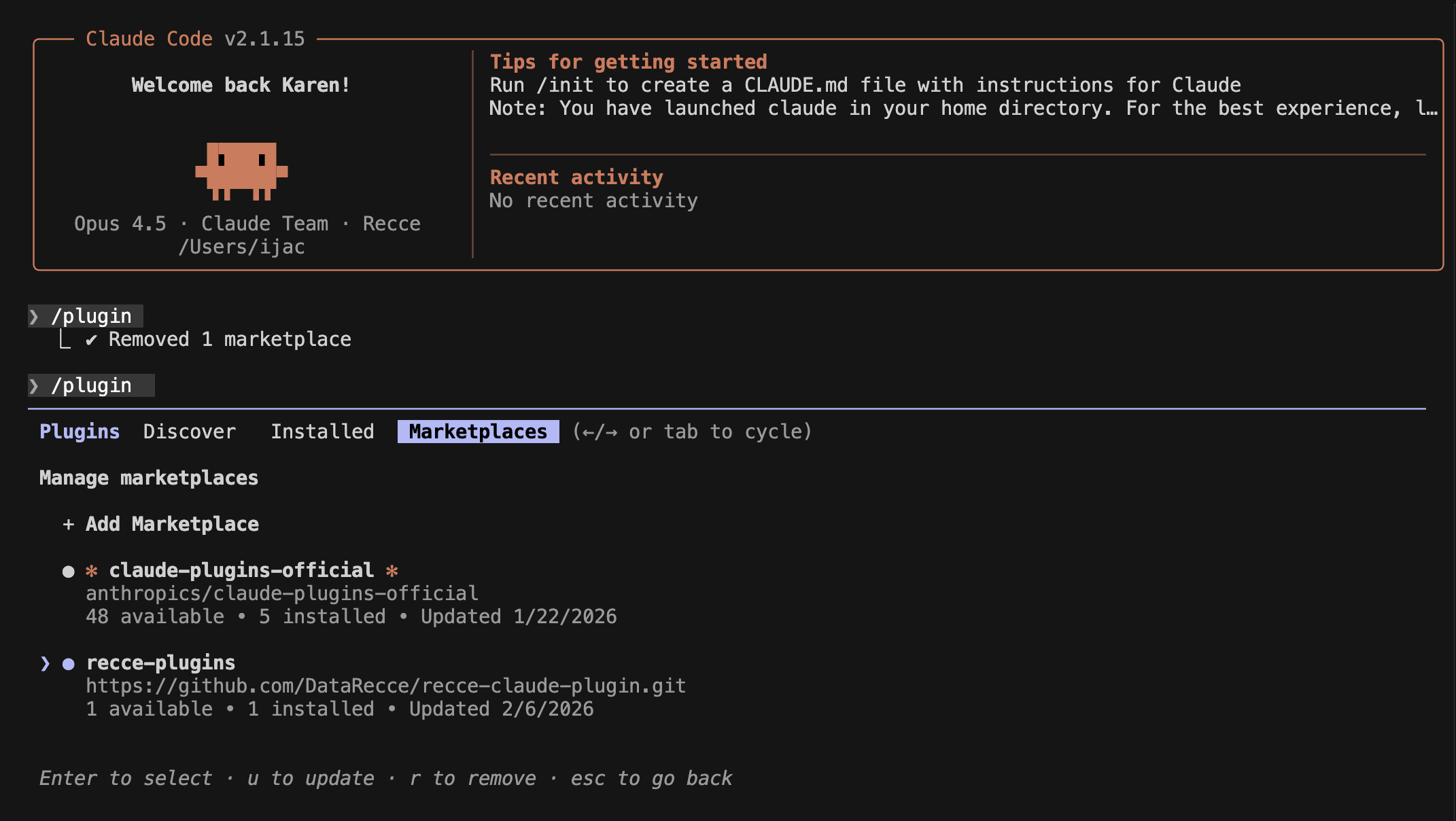
Experimental: Recce Plugin for Claude Code

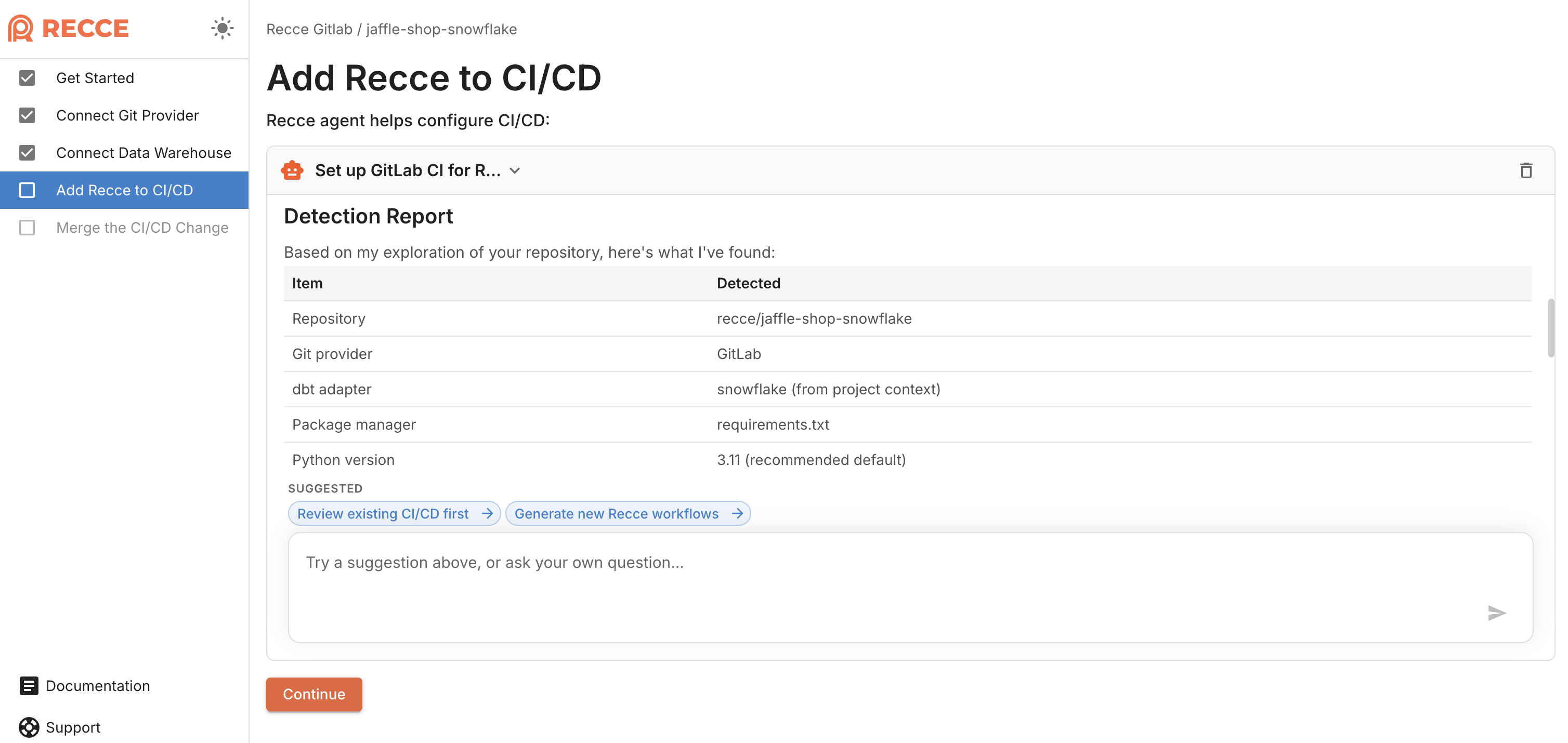
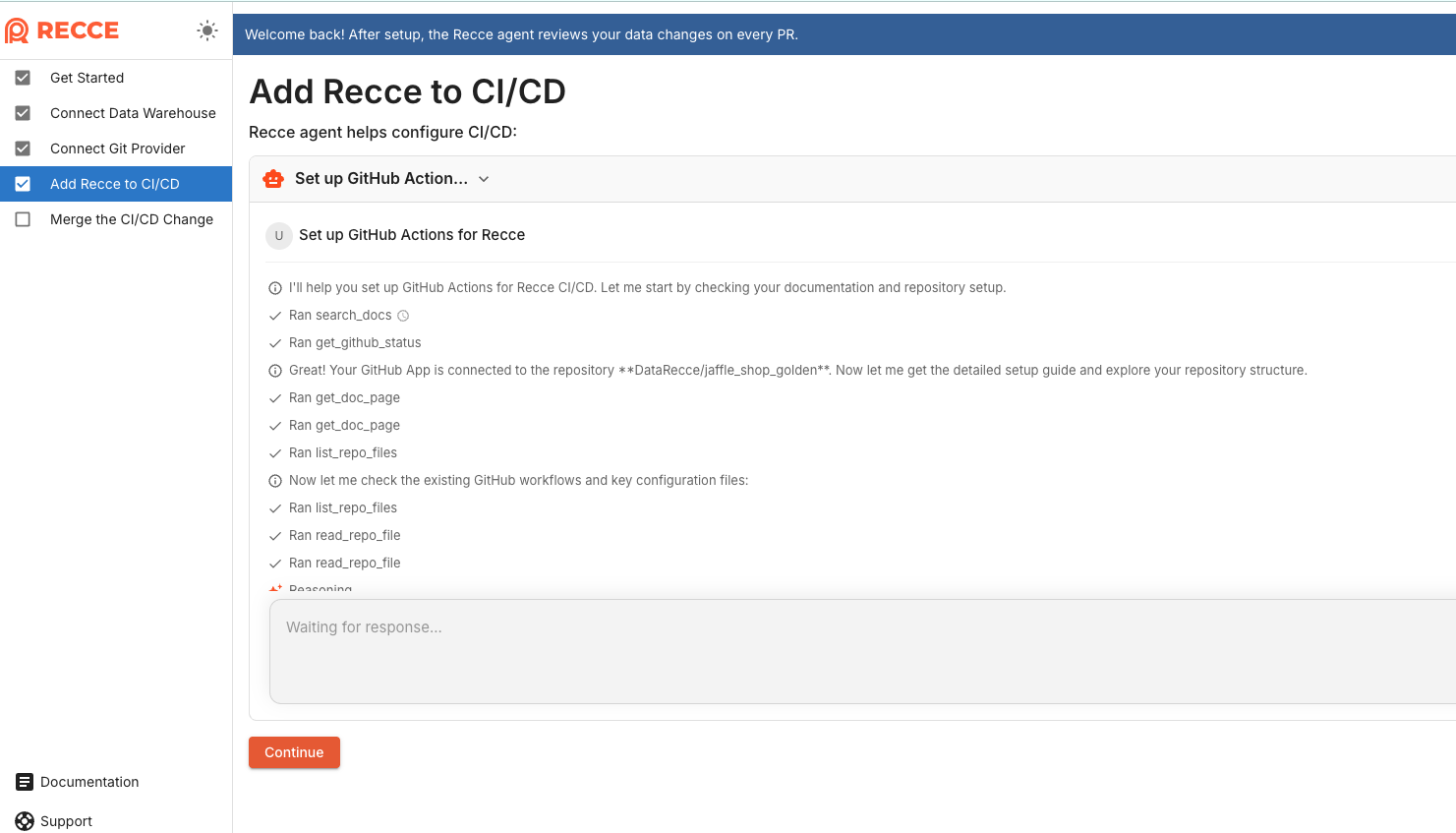
We’re exploring AI-assisted onboarding for Recce Cloud. Set up CI/CD configuration by chatting with Claude.

Note: This is experimental. The onboarding flow is incomplete (Data Warehouse and Git setup not yet supported). We’re sharing early to signal our direction and gather feedback.

Interested? Install https://github.com/DataRecce/recce-claude-plugin

Screenshot 2026-02-06 at 3.11.20 PM

Monorepo Support, Review Feedback, 30-Second Launch

📂 Monorepo Support

Recce now supports monorepo setups. Teams with multiple data projects within a single repository.

👍 Data Review Feedback

Rate data review with 👍 or 👎. Your feedback help our agent to generate better summaries over time.

⚡ Faster Instance Launch

Recce instances now launch in ~30 seconds, down from 60 seconds. Less waiting, more reviewing.

🎨 Unified UI Components

Same polished components across Recce OSS and Cloud. Dark/light mode, consistent styling, better quality everywhere.

Smarter AI Reviews, CSV Export, Databricks OAuth

🏠 Updated Homepage

Our homepage https://reccehq.com now reflects Recce’s evolution as an AI Data Review Agent with refreshed visuals and messaging.

🤖 Smarter Data Agent Review

Recce Data Agent review now consume checklist results, giving you richer context in every review. Summaries also trigger automatically when you upload artifacts, no manual steps needed.

Smarter Data Agent Review

🔗 Instant team collaboration

Share a link and teammates join the same PR review instantly, no setup needed.

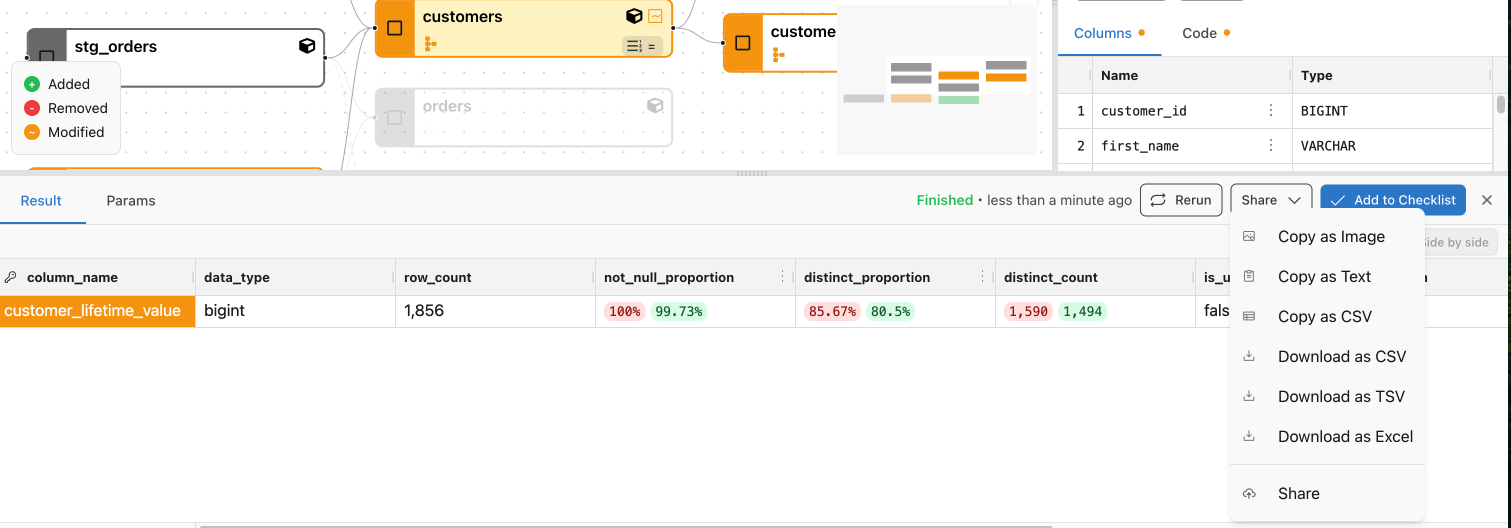
📥 CSV Download

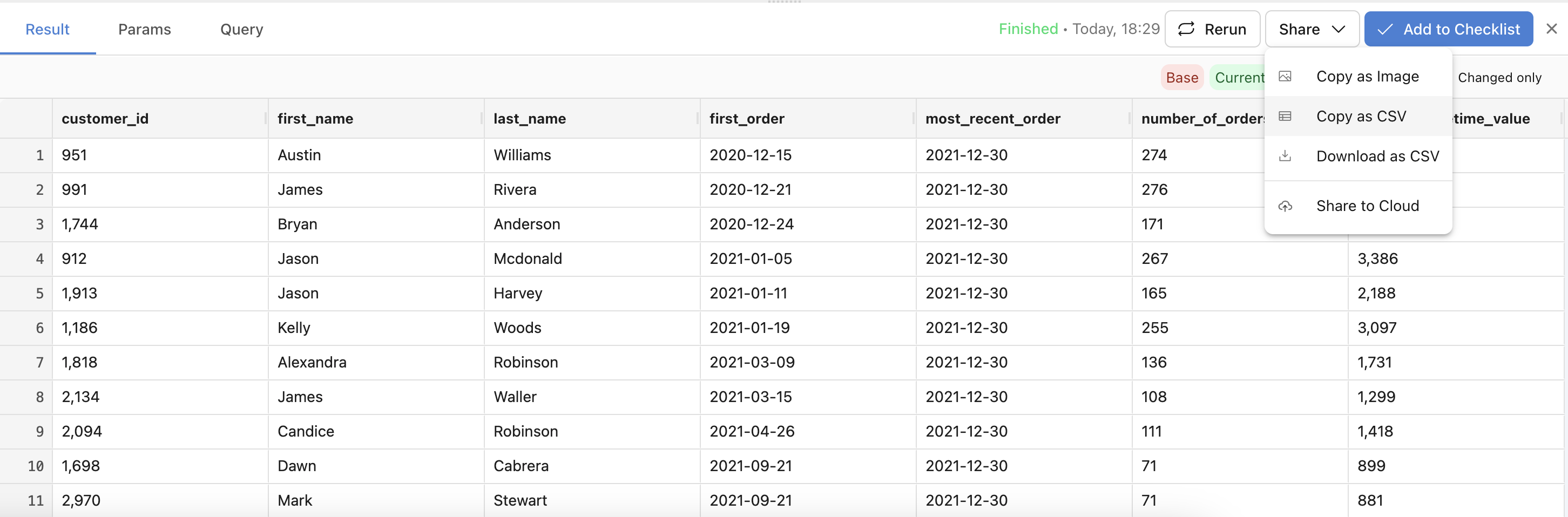
Export query results to CSV directly from Recce.

Export query results to CSV

Diff Options at a Glance

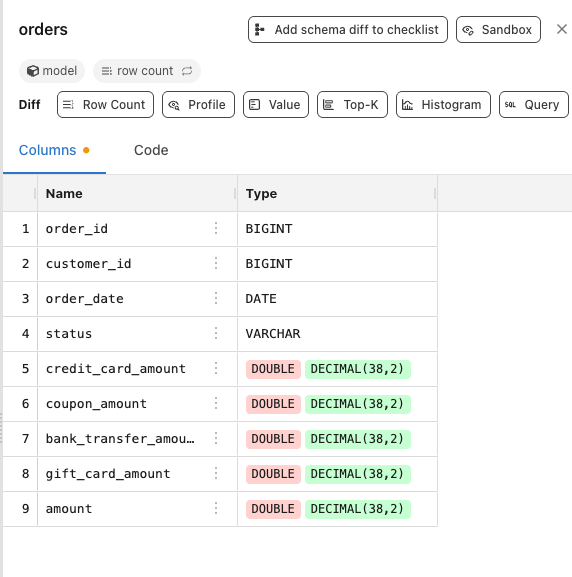
Available diff types are now displayed at the top of the model panel. See your options clearly without opening a dropdown menu.

Diff Options at a Glance

🔐 Databricks OAuth Authentication

Connect to Databricks using OAuth client-based authentication for more secure, token-free access.

Dark Mode, Side-by-Side Comparisons, Checklist-to-PR Sync

🌙 Dark Mode

Recce now supports full dark mode across the entire interface. Your preference is automatically saved, so Recce remembers your choice between sessions.

🎨 Clearer Data Comparisons

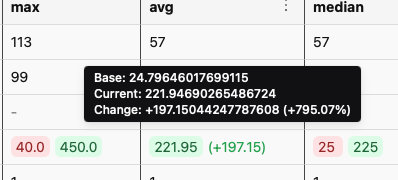
Base and current values now display side-by-side with delta percentages, making it easier to understand the magnitude of changes at a glance.

Clearer Data Comparisons

💬 Checklist Comments Sync to PR

Comments added to your validation checklist now automatically post to your GitHub PR. Keep reviewers informed without switching contexts or duplicating your notes, everything stays in sync.

🔗 Customize Your Organization Slug

You can now change your organization’s URL slug directly from settings. Perfect for teams transitioning from a personal account to a proper organization identity.

✨ Improvements

  • Profile Query Result Table: Improved presentation for easier reading
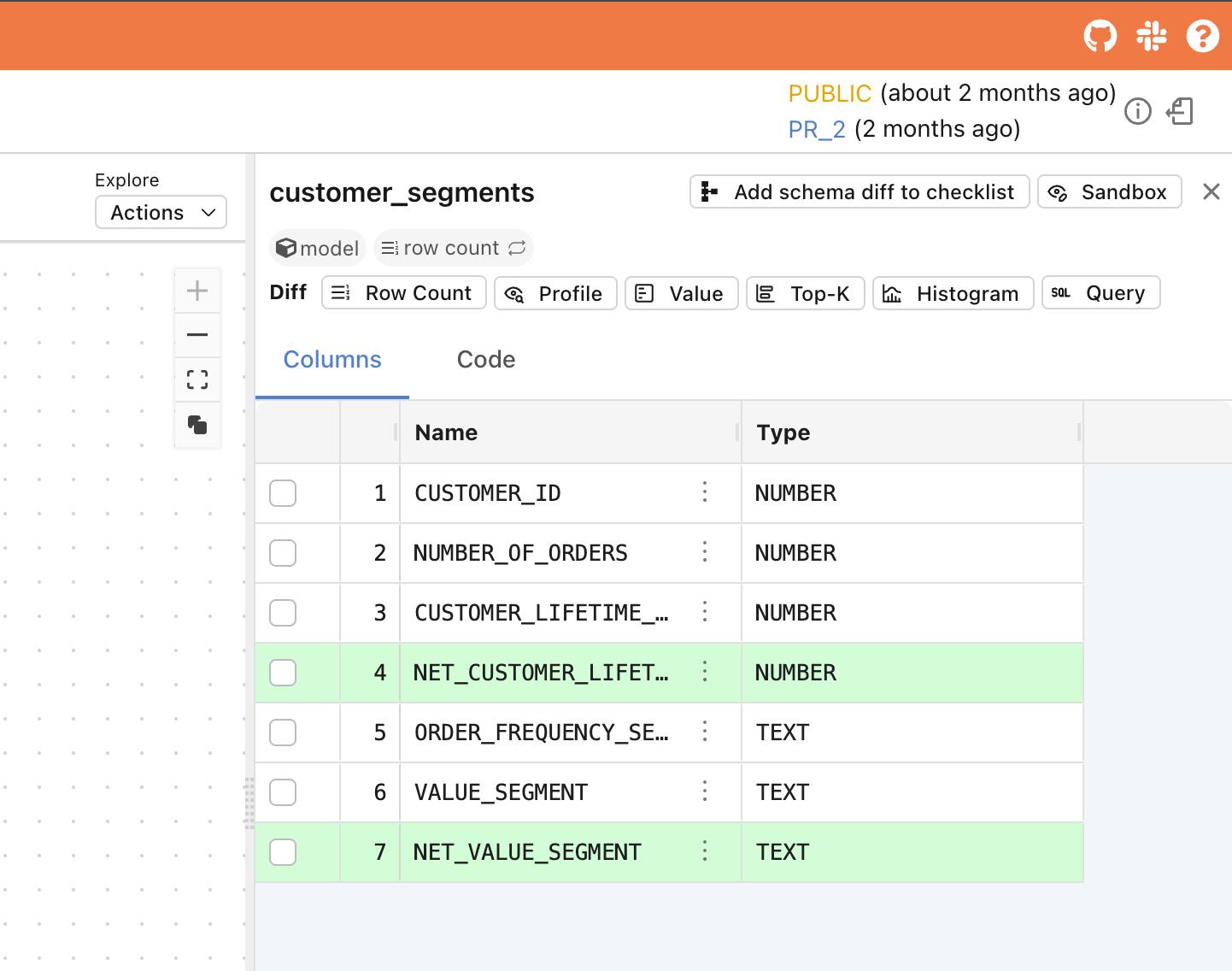
  • Compressed Sidebar Columns: Base and current columns for Type and Column ID are now collapsed, giving you a cleaner, more efficient view

Compressed Sidebar Columns

  • Frontend Infrastructure: Continued upgrades to keep Recce’s interface modern and performant

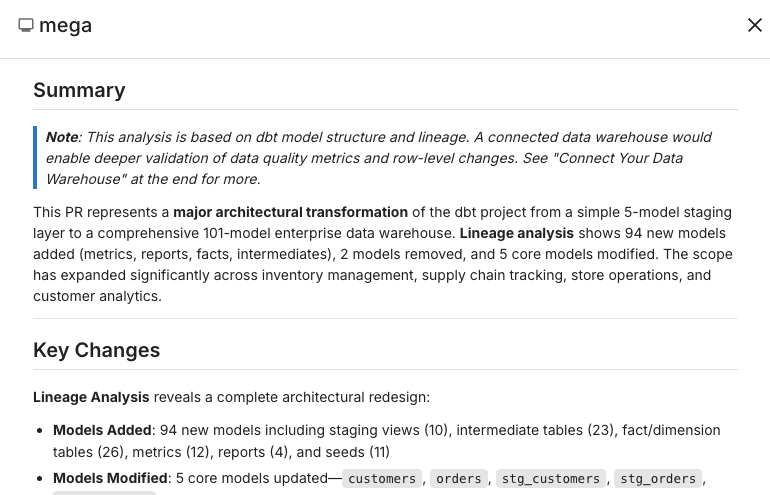
AI Summaries for Dev Sessions

AI Summary for Dev Sessions

Generate AI summaries for your local development work before opening a PR. Upload your dev session to Recce Cloud and get an AI-powered overview of your changes, helpful for self-review or sharing context with teammates early.

Improved AI Summary for Large Lineage

When your lineage includes more than 30 models, the AI summary now generates a cleaner, more readable mermaid diagram. No more unreadable graphs for complex projects.

5-Second Review Access, Check Comments, Redshift Support

Instant Review Access

Reviewers can now start reviewing in just 5 seconds, down from 2 minutes. Recce Cloud loads a preview mode that gives immediate access to checklist results and validation status. When full query capabilities are ready, the session updates automatically with no action required.

Instant Review Access

Frictionless Stakeholder Access

Bring domain experts into your data validation process without Git complexity. Finance, Compliance, and other stakeholders can now review and collaborate with only a Recce Cloud account, no GitHub or GitLab account required.

Check Activity & Comments

Every check now includes a full activity timeline showing creation, comments, approvals, and rejections. Replace scattered discussions in Slack, email, or screenshots with in-context conversations that persist across sessions.

  • Threaded comments: Discuss specific validations directly on each check
  • Transparent approvals: See exactly who approved or rejected each check
  • Clear audit trail: Track the full history of every validation decision

Check Activity & Comments

Redshift Support

Recce Cloud now fully supports Redshift. Connect your warehouse with no special configuration required.

MCP Server, Column-Level Value Diff, BigQuery Support

Recce MCP Server

Recce now supports the Model Context Protocol (MCP), enabling integration with AI assistants and tools. Connect Recce to your AI workflows for enhanced data validation capabilities.

Learn more: MCP Server Documentation

Column-Level Value Diff

Value Diff is now available at the column level directly from the column menu. Previously you could only run Value Diff at the model level, now you can drill down to specific columns for more targeted validation.

Preset Checks in the UI

Define preset checks directly in the checklist. Add preset checks with a few clicks, making it faster to standardize validation across your team.

BigQuery Support

Recce Cloud now fully supports BigQuery. If your team runs dbt on BigQuery, you can connect your warehouse to Recce Cloud with no special configuration required.

recce-cloud CLI Command

Cloud users can now interact with Recce Cloud directly from the command line. Upload sessions and launch Recce Cloud instances without leaving your terminal.

Faster Instance Spin-Up

We’ve reduced Recce Cloud instance launch time by another 20 seconds, continuing our work to get you into your validation workflow faster.

Frontend Infrastructure Upgrade

Switched to Biome for linting, improving code consistency and development experience.

Bug Fixes

  • Fixed react-data-grid visualization issues
  • General stability improvements

Faster Spin-Up, Simpler CI/CD, Smoother Onboarding

Simplified CI/CD Integration

We heard your feedback and made CI/CD setup dramatically easier. What used to require extensive configuration now takes just 2 lines of code. Connect your environments faster and spend less time on setup.

Learn more at CI/CD integration doc.

Faster Instance Spin-Up

We’ve shaved 15 seconds off Recce Cloud instance spin-up time, so you get into your validation workflow a bit faster.

Idle Timeout & Extended Lifetime

Cloud instances now stay active longer, so you’ll run into fewer timeout issues during your validation sessions.

Smoother Team Onboarding

When you accept an invitation to join an organization, that org is now set as your default automatically. Invited team members can jump straight into work without additional setup steps.

Full GitLab Support, Email Sign-Up, HIPAA Compliance

Full GitLab Support

GitLab users now have complete access to Recce Cloud with full feature parity to GitHub:

  • AI-powered MR summaries: Generate summaries and post them directly to your Merge Requests
  • MR list and status: See all your Merge Requests and their validation status at a glance
  • CI/CD integration: Integrate Recce into your GitLab pipelines

If your team uses GitLab, you now have a first-class Recce experience.

Sign Up with Email

You can now create a Recce Cloud account using email and password. Previously, sign-up required a GitHub account which blocked users and teams who don’t use GitHub. Now GitLab users and others can get started without needing a GitHub account.

HIPAA Compliance

Recce Cloud is now HIPAA compliant. Healthcare organizations and teams working with protected health information can now use Recce Cloud with confidence. No action required for existing users. See https://trust.reccehq.com/

Snowflake Key-Pair Authentication

Added support for Snowflake key-pair authentication, giving you more options in how you connect your Snowflake warehouse to Recce Cloud.

AI PR Summaries to GitHub, Databricks Support, dbt 1.10

LLM-Powered PR Summary (Recce Cloud)

Get an AI-generated summary of your PR before diving into the details. With one click, Recce analyzes your code changes and commits to give you:

  • A clear overview of what changed
  • Suggestions on where to focus your review

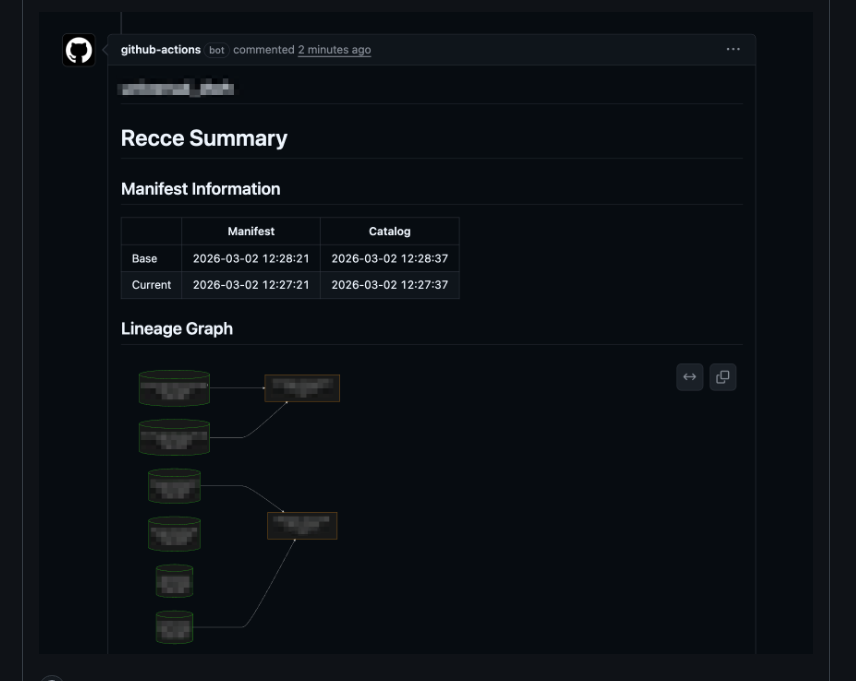
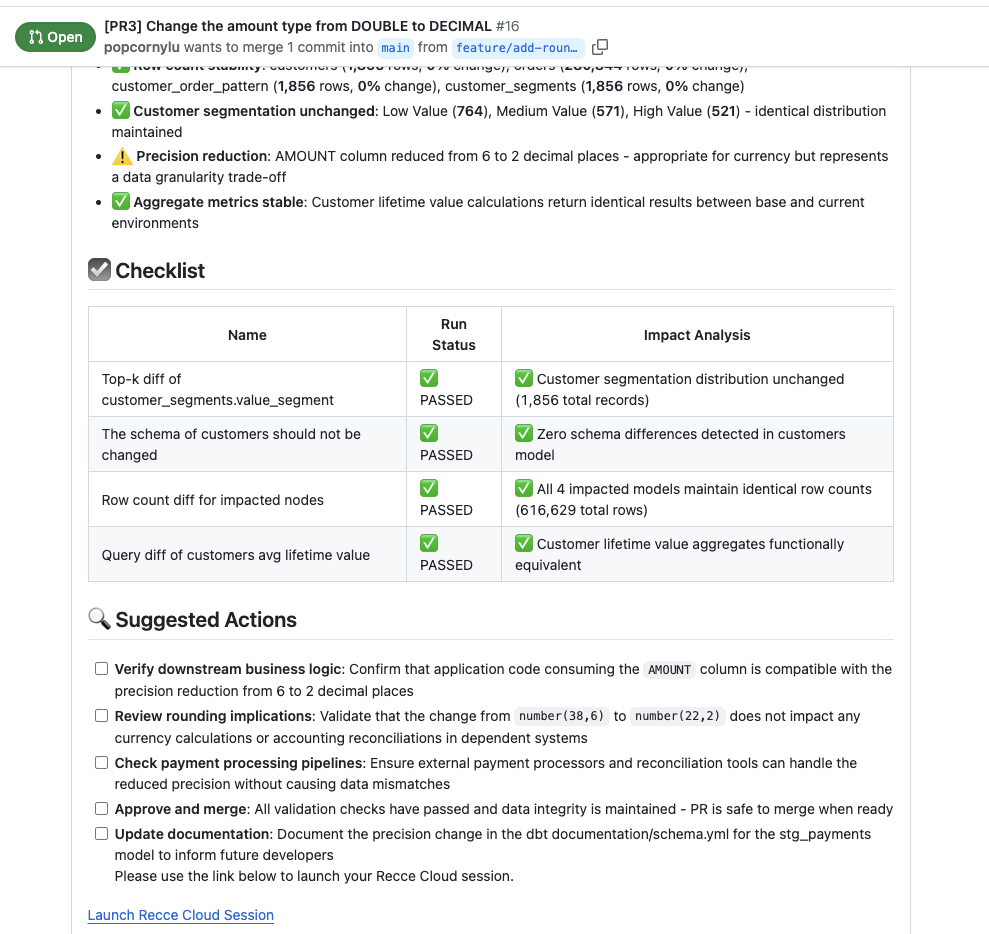
Post the summary directly to GitHub as a PR comment, meeting reviewers where they already work. Team members can see the summary right in the PR, even if they haven’t opened Recce Cloud yet.

No setup required. Just click “Summarize” and share.

AI assistant summary

Databricks Support

Recce now fully supports Databricks as a data warehouse. If your team runs dbt on Databricks, you can now use Recce for data validation with zero special configuration, it just works like any other warehouse setup.

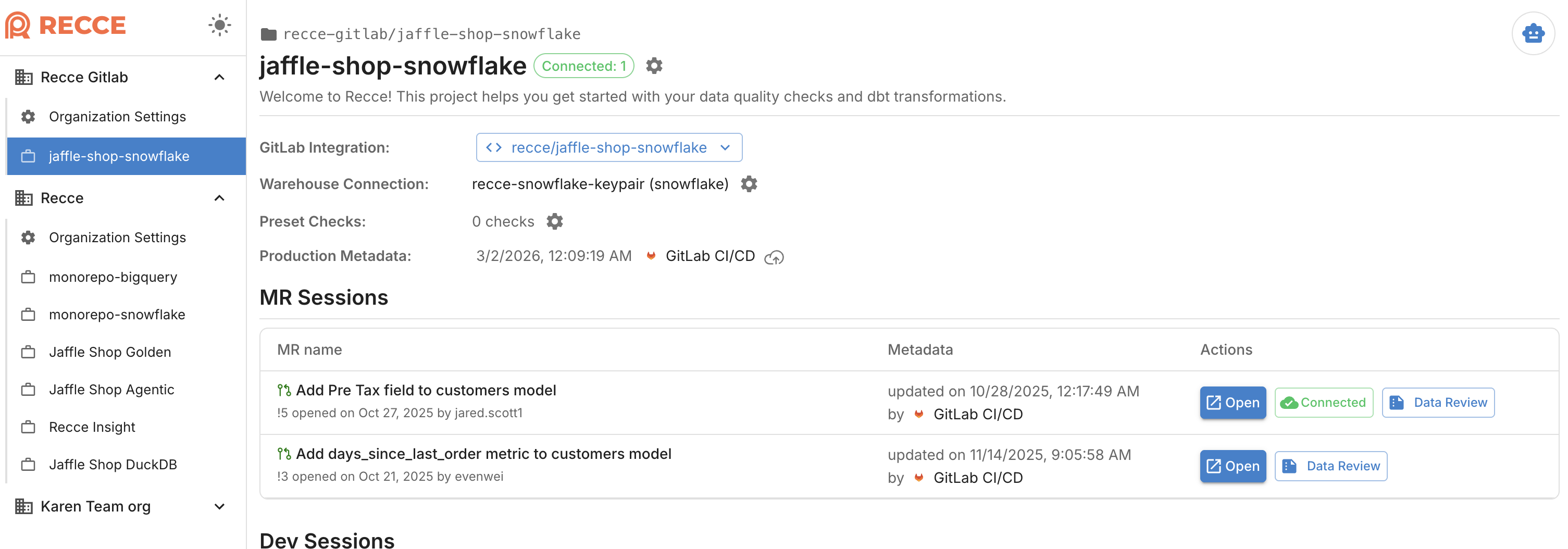
Refreshed Project Home Page (Recce Cloud)

We’ve updated the project home page for a cleaner, more intuitive experience when navigating your projects.

dbt 1.10 Compatibility

Recce now supports dbt 1.10, so you can stay current with the latest dbt releases.

Bug Fixes

  • Fixed DuckDB installation failure in Recce instance launcher
  • Resolved GitHub app connection and repository binding issues