Show only what your PR changed, plus adapter mismatch surfacing
Show only what your PR changed
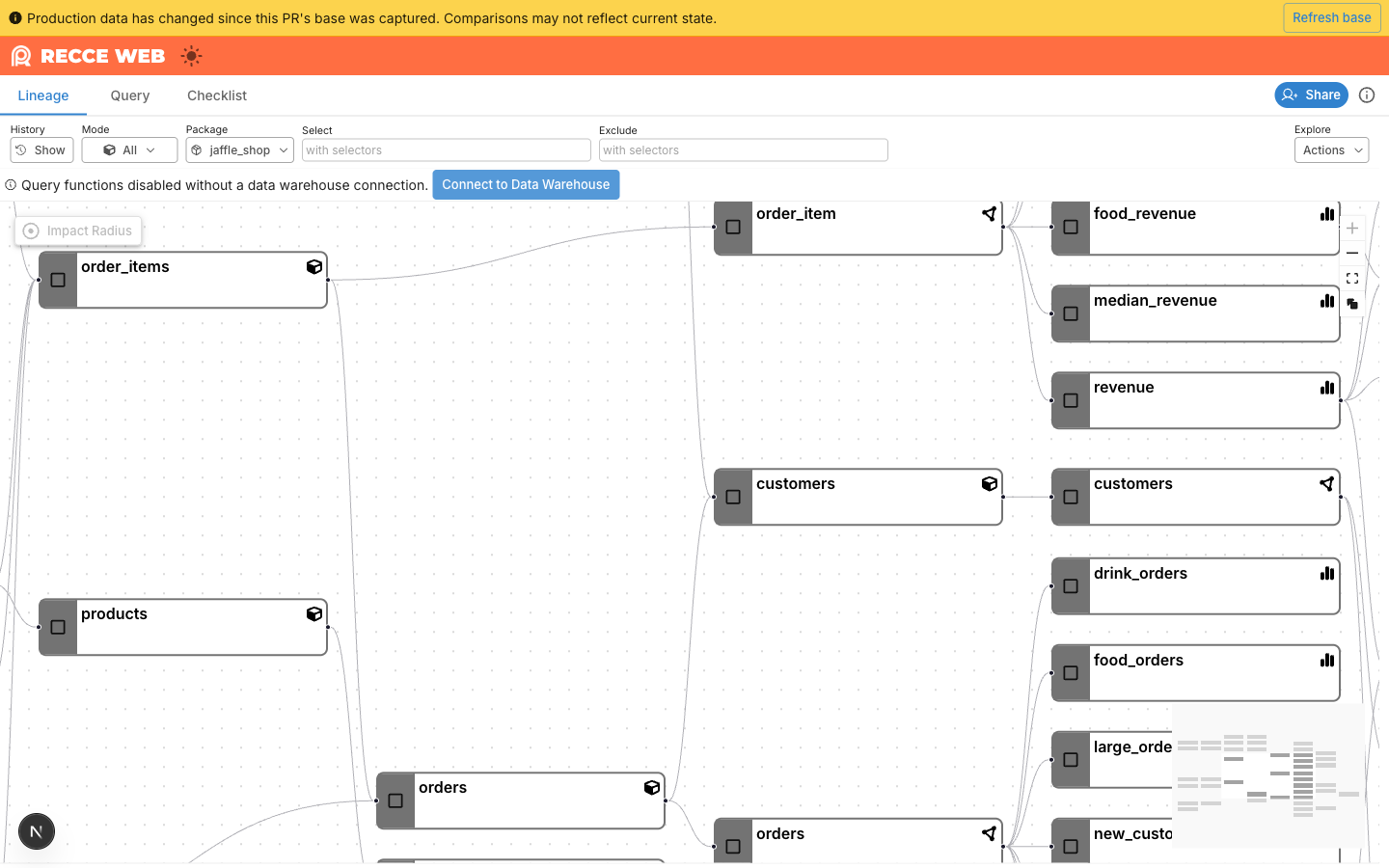
Production keeps moving after your CI run. You touched one model in your PR, but when you open the session in Recce Cloud, the lineage diffs show more than one model changed, because production has advanced past the snapshot your CI captured.
Recce now snapshots the project’s shared production base into each session at upload time, so the PR diff reflects only what the PR actually changed. When you want a newer baseline, a yellow staleness banner with a Refresh button appears once production has moved past your snapshot, click it and Recce re-pulls the latest shared base in place. Default-on for every Recce Cloud project; no configuration.
Surface data warehouse adapter mismatches
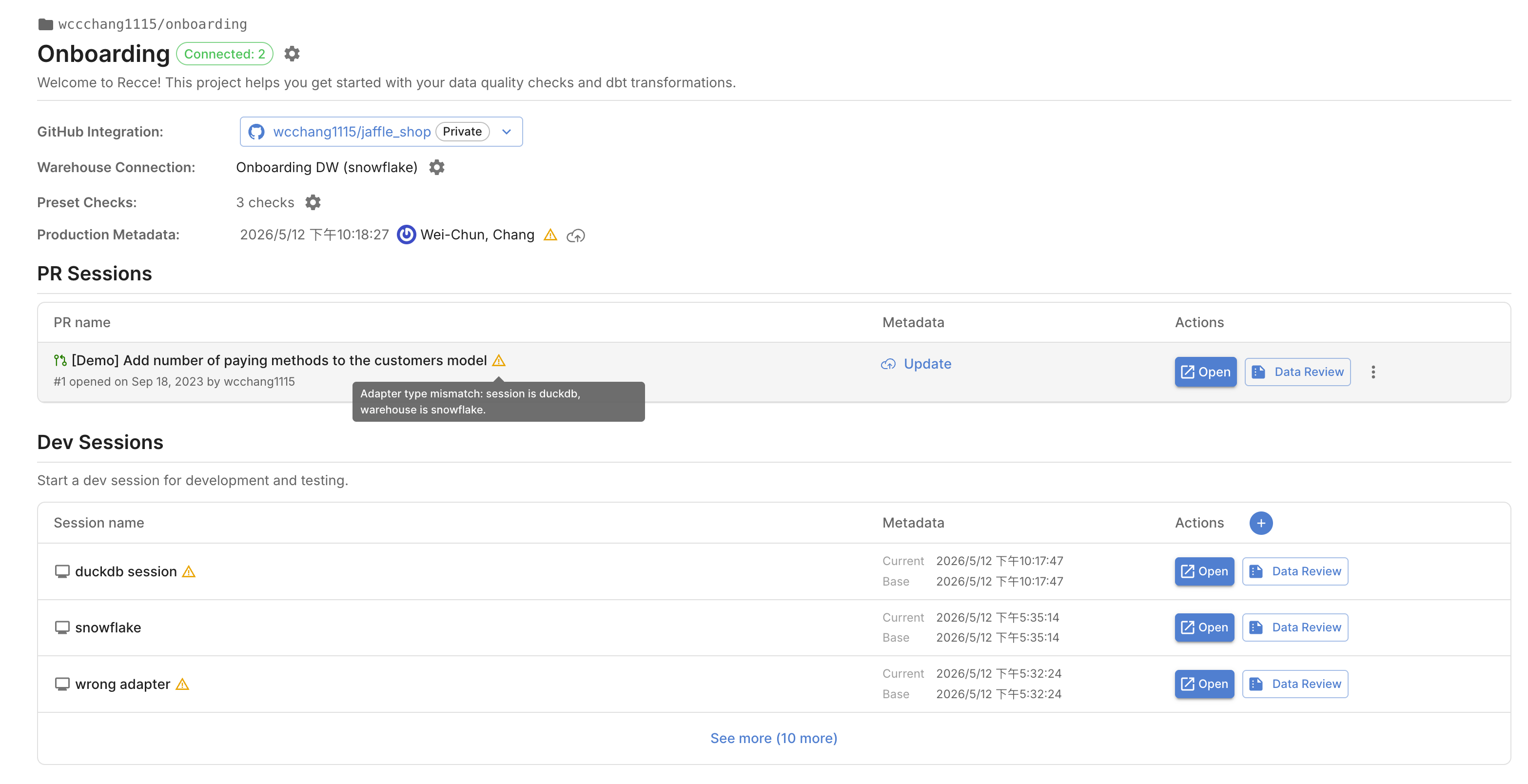
Your data warehouse adapter could be mismatched with the adapter your session was uploaded with. If you see the mismatched notification as below, you can re-upload artifacts to get it right.